Early access · for Cilium and Hubble

Cilera for Cilium. Beyond Hubble.

Cilera reads the Hubble flows your Cilium clusters already produce and joins them into one fleet-wide map, with change detection, threat detection and zero-trust segmentation checks.

  • 1 Helm chart per cluster
  • 0 inbound connections
  • 7 days of flow history
  • Read-only in the cluster

capabilities

What Cilera adds to Hubble

Built on the flow data Hubble already collects, for platform, security and compliance teams.

~/map

One map across every cluster

Hubble shows one cluster at a time. A multi-cluster view needs Cluster Mesh.

Cilera maps every cluster, namespace and workload together, updated every minute.

Cross-cluster links work without Cluster Mesh. Each one is labelled exact, or inferred from load balancer or egress addresses.
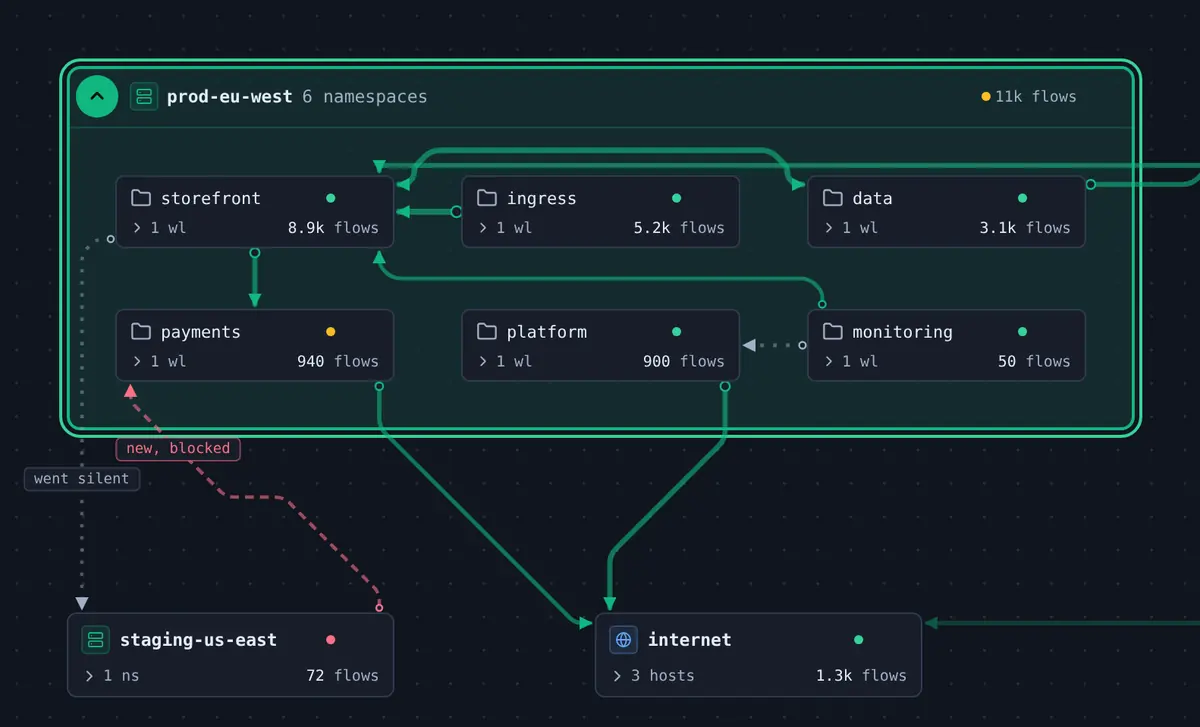
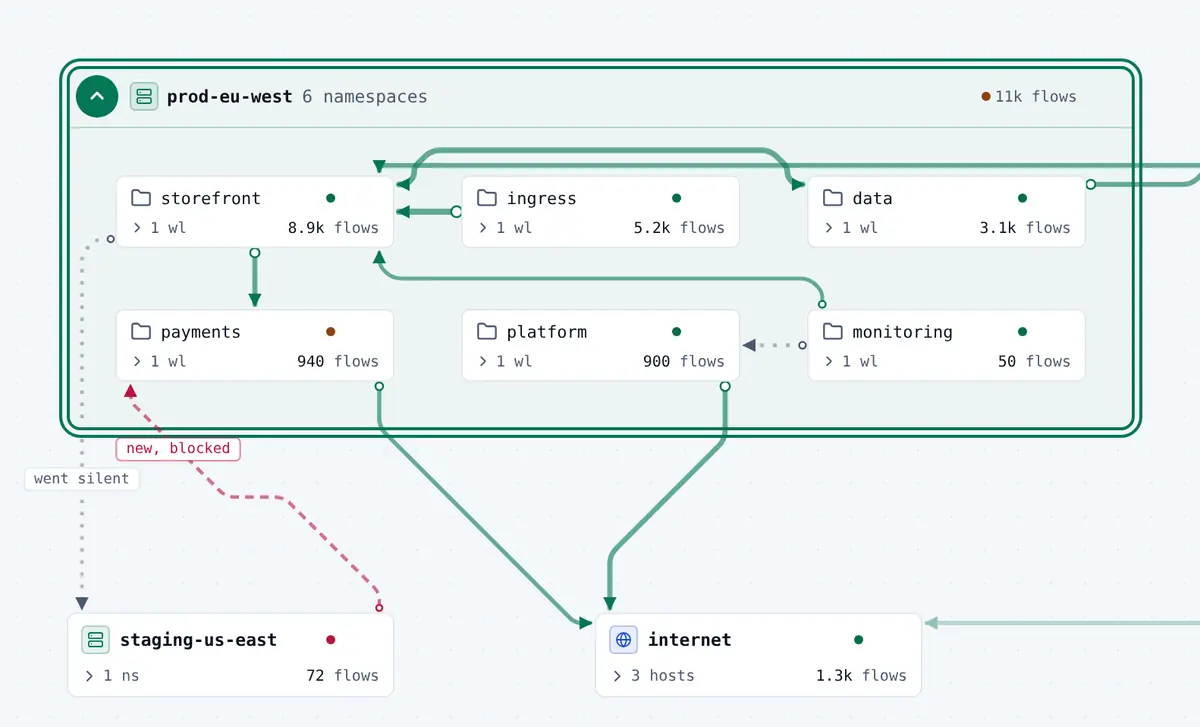
Multi-cluster map with the prod-eu-west cluster expanded in place, showing six namespaces and the links between them, a new blocked path from the staging-us-east cluster, a path that went silent, and egress to the internet.Multi-cluster map with the prod-eu-west cluster expanded in place, showing six namespaces and the links between them, a new blocked path from the staging-us-east cluster, a path that went silent, and egress to the internet.
~/changes

Compare current traffic with a baseline

Hubble shows recent flows from a short in-memory buffer.

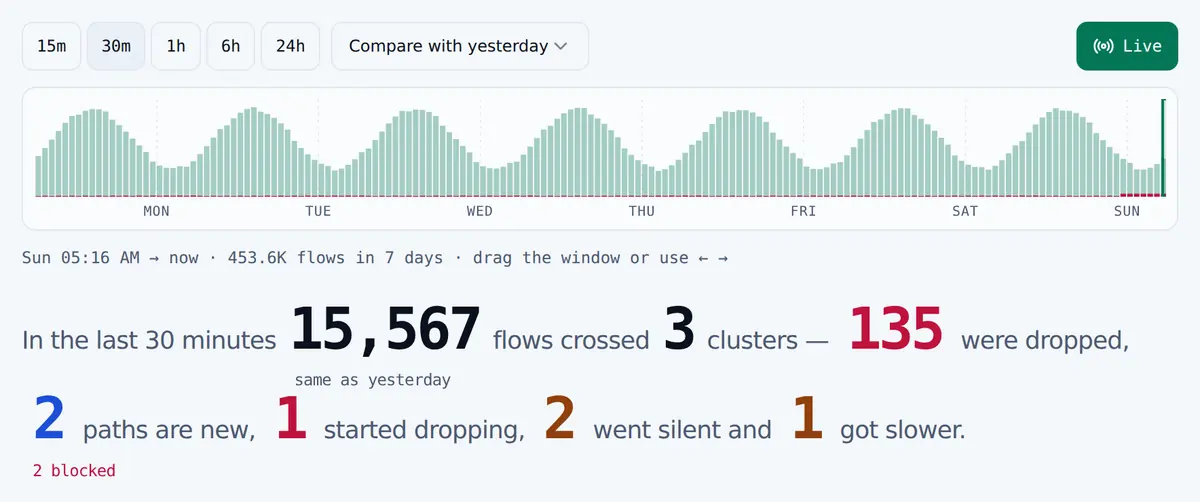
Cilera compares each path with yesterday or the previous window and flags it as new, went silent, started dropping or got slower.

Scrub back to any window to see when a path changed.
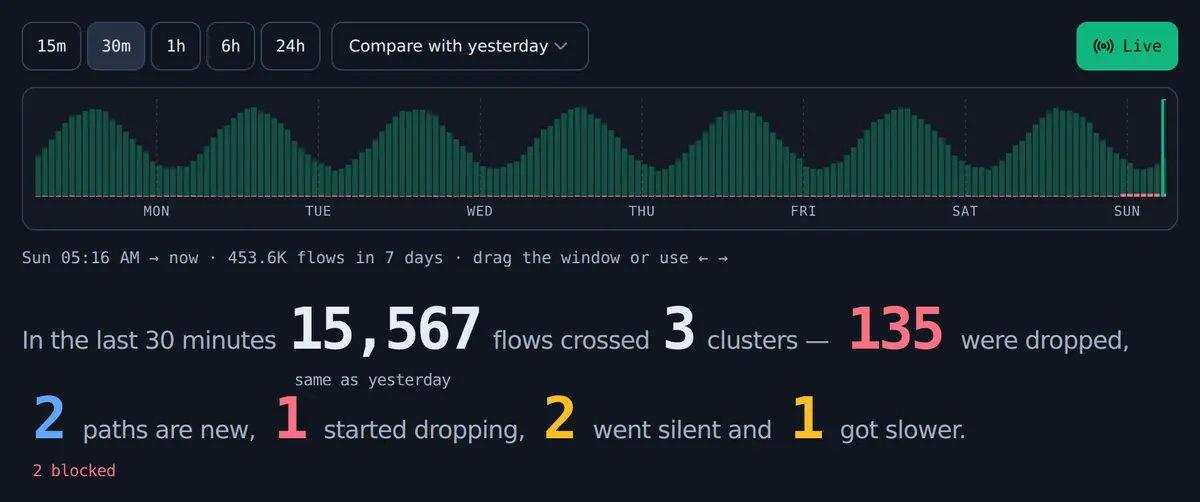
Seven-day flow histogram with window controls from 15 minutes to 24 hours and a compare-with-yesterday baseline, above a summary of the last 30 minutes: flows, drops, and how many paths are new, started dropping, went silent or got slower.Seven-day flow histogram with window controls from 15 minutes to 24 hours and a compare-with-yesterday baseline, above a summary of the last 30 minutes: flows, drops, and how many paths are new, started dropping, went silent or got slower.
~/threats

Threat detection with the flow evidence attached

Hubble records each flow, including the suspicious ones.

Cilera continuously checks for port scans, lateral movement between namespaces, new internet egress and policy-denial spikes.

Contact with known malicious hosts is raised to critical. Each incident keeps its flows, maps to MITRE ATT&CK and can be explained in plain language by AI.
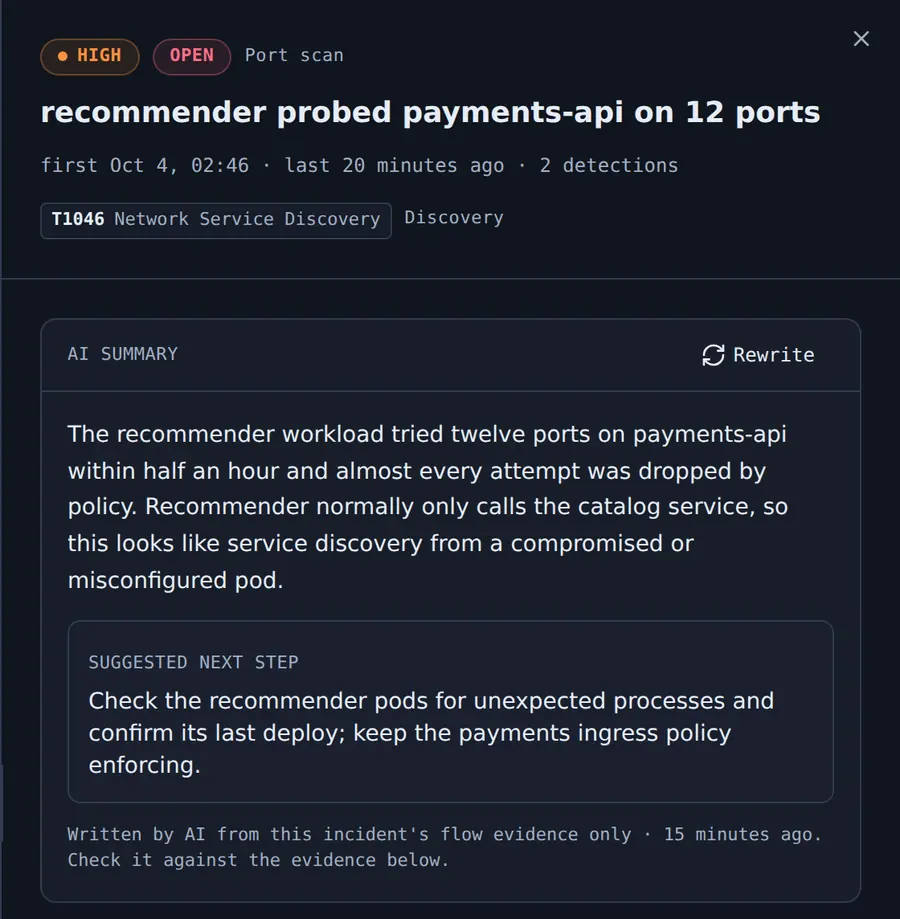
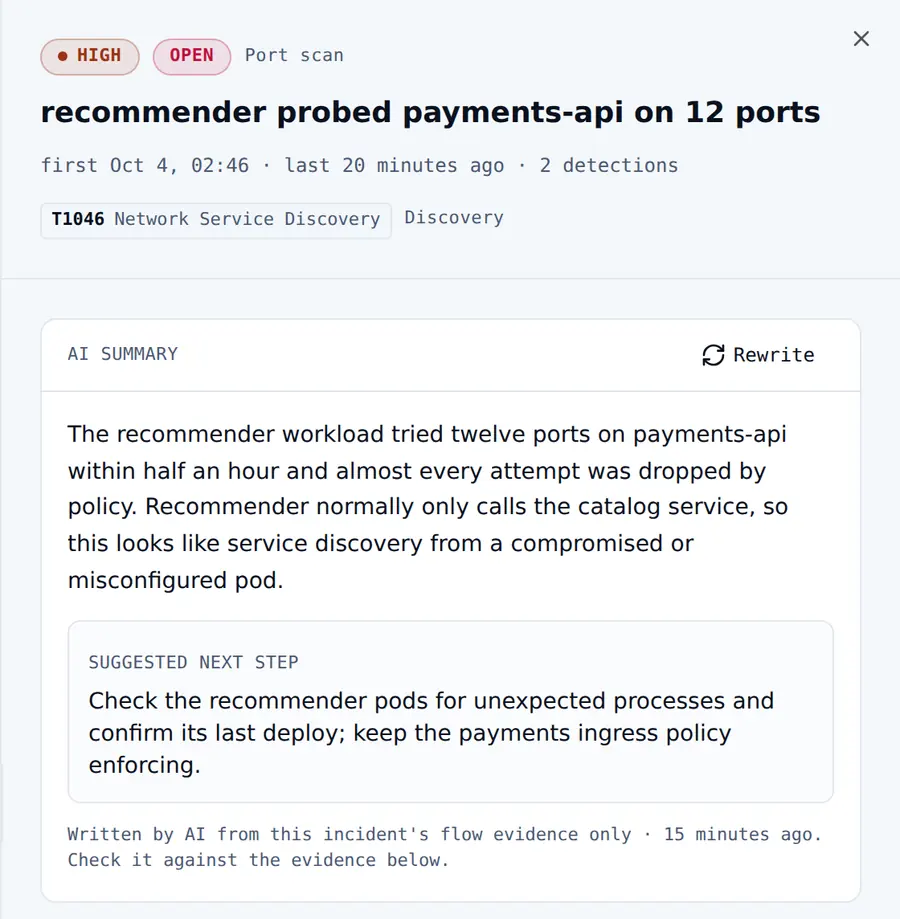
A high-severity port-scan incident mapped to MITRE ATT&CK technique T1046, with an AI-written summary based on the incident's flow evidence and a suggested next step.A high-severity port-scan incident mapped to MITRE ATT&CK technique T1046, with an AI-written summary based on the incident's flow evidence and a suggested next step.
~/segmentation

Prove zero-trust segmentation with real traffic

Cilium enforces your policies. Auditors ask for proof the segmentation holds.

Group namespaces into segmentation zones. Cilera checks every allowed flow against them and flags lateral movement between namespaces.

Automated checks every 15 minutes against PCI DSS v4.0, SOC 2, NIST SP 800-53 and the CIS Kubernetes Benchmark, with an evidence report for each run.
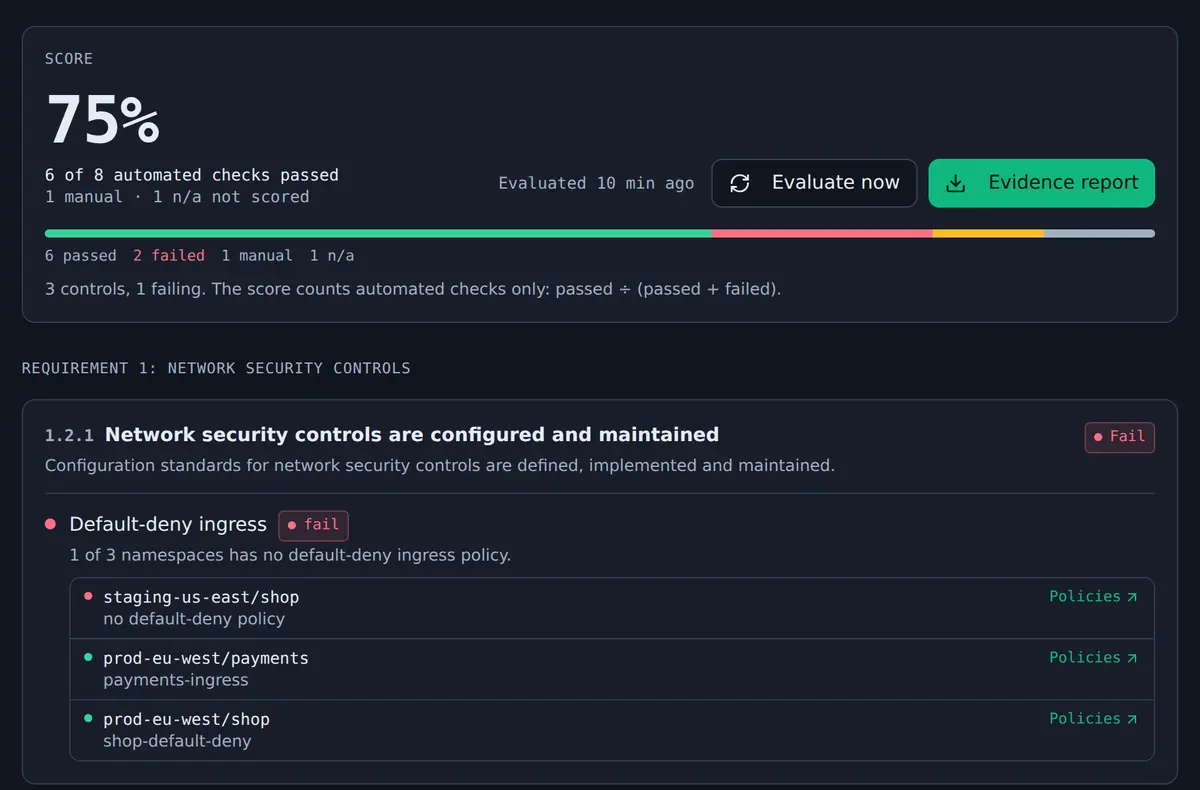
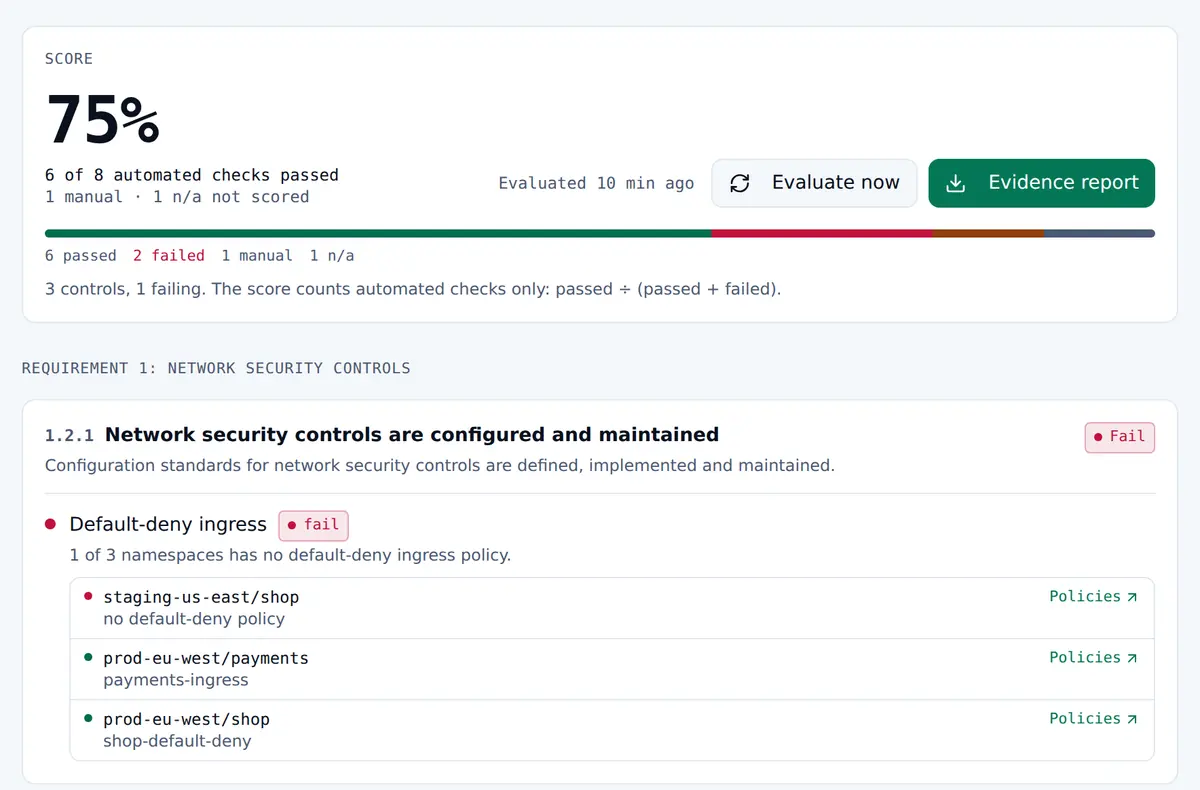
A compliance framework score showing 6 of 8 automated checks passed, and a PCI DSS network security control with its default-deny ingress result for each namespace.A compliance framework score showing 6 of 8 automated checks passed, and a PCI DSS network security control with its default-deny ingress result for each namespace.

See the full capability list

hubble-and-cilera

What Hubble gives you, and what Cilera adds

Cilera reads flows from Hubble Relay in each cluster. Hubble and Hubble Relay stay as they are.

Cilera

  • Fleet map
  • Change detection
  • Threat detection
  • Zero-trust segmentation checks
  • Compliance evidence

cluster: prod-eu

  • Cilera operatorread-only, 1 pod
  • Hubble + Relayobserves flows
  • Ciliumenforces policy
  • Linux kernel · eBPF

cluster: prod-us

  • Cilera operatorread-only, 1 pod
  • Hubble + Relayobserves flows
  • Ciliumenforces policy
  • Linux kernel · eBPF

+ more clusters

Cilera runs above Cilium and Hubble. In each cluster, Cilium enforces policy and Hubble observes flows; a read-only Cilera operator sends aggregated flow data out over HTTPS to Cilera, which works across every cluster.

Hubble gives you

  • Live flows, per cluster.
  • A service map per cluster in Hubble UI.
  • Multi-cluster views through Cluster Mesh with Hubble Relay.

Cilera adds

Fleet-wide map
Every cluster on one map, without Cluster Mesh.
Change detection
New, silent, dropping and slower paths against a baseline.
Threat detection
Continuous checks for port scans, lateral movement, new egress and known-bad hosts, mapped to MITRE ATT&CK.
Segmentation and compliance
Zero-trust segmentation checks, with PCI DSS, SOC 2, NIST and CIS evidence every 15 minutes.
Policies
Cilium and Kubernetes network policies in plain language.
Cluster insight
Cilium configuration for each cluster.

how-it-works

From one Helm chart to a multi-cluster map

Requires Cilium with Hubble and Hubble Relay enabled. No sidecars, no code changes.

  1. 01 Install

    One Helm chart per cluster. The command is generated in the Cilera console.

  2. 02 Register

    A signed, time-limited token gives the cluster its own ingest credential.

  3. 03 Send

    Aggregated flow counts go out over HTTPS. Nothing connects in.

  4. 04 Compare

    The map updates every minute. Each path is compared with a baseline.

  5. 05 Detect

    Threat detection runs continuously; compliance checks run every 15 minutes.

teams

Used by platform, security and compliance teams

role=platform-sre

Platform and SRE teams

Trace a failing connection to its path, its Cilium drop reason and the change behind it, in any cluster.

role=security

Security teams

Verify zero-trust workload segmentation against observed traffic. Investigate lateral movement, new egress and contact with known malicious hosts, with flow evidence and ATT&CK context.

role=compliance

Compliance teams

Segmentation and encryption evidence every 15 minutes, from observed traffic.

security

What runs in your cluster, and what leaves it

One read-only pod per cluster, in cilera-system. This is what it can access and what it sends.

  • Read-only in the cluster. No writes, no pod or node access, no other Secrets. Distroless, non-root, read-only filesystem.
  • Outbound HTTPS only. Nothing connects into the cluster.
  • What leaves the cluster. Aggregated flow counts by workload, port and verdict, drop-reason codes, latency, and allowlisted Cilium settings. No packet payloads, and no pod IPs of your workloads.
  • HTTP detail is opt-in. Paths are templated, and IDs, emails and tokens are removed before they leave the cluster.
  • Per-cluster credentials. Issued through a signed, time-limited onboarding token.
  • Tenant isolation. Enforced in the database for every table.
cilera-operator/values.yaml
# chart defaults, no overrides needed
securityContext:
  allowPrivilegeEscalation: false
  readOnlyRootFilesystem: true
  capabilities:
    drop: [ALL]
podSecurityContext:
  runAsNonRoot: true

faq

Frequently asked questions

Answers to the questions platform, security and compliance teams ask before installing the operator.

--how-does-cilera-relate-to-hubbleHow does Cilera relate to Hubble?

Cilera is built on Hubble's flow data, so Hubble and Hubble Relay must be enabled in each cluster. On top of that data, Cilera adds a map across every cluster without Cluster Mesh, change detection against a baseline, threat detection with threat intelligence and MITRE ATT&CK mapping, compliance evidence, policies in plain language and cluster configuration insight.

--does-cilera-help-with-zero-trust-and-microsegmentationDoes Cilera help with zero trust and microsegmentation?

Cilium enforces your network policies. Cilera shows whether traffic matches the workload segmentation you intended: which workloads actually communicate, which flows cross your segmentation zones, and where new paths appear between namespaces. Each finding keeps its flow evidence. Cilera does not enforce or change policies.

--which-cilium-setup-is-requiredWhich Cilium setup is required?

Cilium as the CNI, with Hubble and Hubble Relay enabled. The install guides cover Amazon EKS, Google GKE, Azure AKS, self-managed clusters and local kind clusters.

--what-data-leaves-my-clusterWhat data leaves my cluster?

Aggregated flow counts by workload, port and verdict, drop-reason codes, latency, and allowlisted Cilium settings. No packet payloads, and no pod IPs of your workloads. HTTP detail is opt-in. When enabled, paths are templated, and IDs, email addresses and tokens are removed before the data leaves the cluster.

--does-cilera-change-anything-in-my-clusterDoes Cilera change anything in my cluster?

No. The operator is read-only: no writes, and no access to pods, nodes or other Secrets. It does not proxy or block traffic, and it does not inject sidecars. Cilera detects and recommends; your team makes any change to the cluster.

--is-cluster-mesh-requiredIs Cluster Mesh required?

No. Cross-cluster traffic is linked without it. Each link is labelled exact, or inferred from load balancer or egress addresses.

--what-network-access-does-the-operator-needWhat network access does the operator need?

Outbound HTTPS (port 443) to api.cilera.io and ingest.cilera.io. Nothing connects into the cluster.

--how-long-is-data-retainedHow long is data retained?

7 days of flow detail, 90 days of hourly rollups, and 90 days of detections and compliance history.

--which-compliance-frameworks-are-coveredWhich compliance frameworks are covered?

PCI DSS v4.0, SOC 2, NIST SP 800-53 Rev. 5 and the CIS Kubernetes Benchmark v1.9. Eight automated checks run every 15 minutes. Manual attestations can be added, and evidence reports can be downloaded for each run.

--how-does-cilera-use-aiHow does Cilera use AI?

AI explains threat incidents in plain language, based on the flow evidence of each incident. It does not change policies or take any action in your cluster.

early-access

Connect each cluster with one Helm command

The Cilera console is in early access. Once you have access, each cluster connects with this command.

install
$ helm upgrade --install cilera cilera/cilera-operator -n cilera-system --create-namespace -f cilera-values.yaml

The exact command and values file for each cluster are generated in the Cilera console.

×

early-access

The Cilera console is in early access

The console is not yet publicly available. Request access at [email protected].

Request Early AccessKeep Exploring